**[Will's Journal](../index.html)**
(#) **2024/11/04: Deferred Rendering, Image Formats**
Over the past 2 months I worked on my game engine a little bit during my free time and have recently finished implementing deferred rendering. Frankly it took far longer than it should have, in implementation and theory, deferred rendering isn't very complicated. Instead of resolving to the draw image in the fragment shaders, you pass all relevant data to a "resolve" shader through multiple render targets. I aptly named my passes: **MRT** and **Resolve**; the MRT uses the full vertex/fragment pipeline and the resolve uses a compute shader. I think these are fairly standard names and approaches to deferred rendering.
Deferred rendering is pretty neat. The idea of decoupling scene geometry from lighting sounds so simple, you wonder why it took as long as it did for deferred rendering to catch on. Though I'm sure it's because of the well known issues with deferred rendering:
- Bad handling of transparency
- Fixed memory bandwidth cost of MRTs
- Loss of hardware antialising (goodbye my dear MSAA)
Deferred rendering is the industry standard today and whether we like it or not, we need to learn it to implement (or at least simplify implementing) a myriad of graphics techniques.
(###) **Image Format Issues**
I like to take things step-by-step, only proceeding to the next step once each step has been proven to work. The first step is to get the MRT shader working: output from the MRT shaders onto the render targets and verify that the render targets are appropriately populated. I can't use RenderDoc because it doesn't support Descriptor Buffers (I don't know why I make myself suffer), NVIDIA NSight only works on NVIDIA GPUs, and AMD Radeon Dev Tools aren't very useful to visualize the contents of buffers/images (maybe I missed the tool for this?).
I decided to output the images into PNGs, I figured that would be the easiest way to do visualize whats going on behind the veil.
Well, it's fairly common to use weird render target formats to minimize waste and maximize the ability of data to be represented in the render targets. For example, it's not uncommon to use R10G10B10A2 for albedo, reserving the alpha channel to act as some kind of mask. There are a whole bunch of permutations of the channels that have different use-cases.
There are even variations on the overall format.
- UNORM: Used for when you want your values to be normalized between 0.0 and 1.0. Which is a fairly common situation with properties such as albedo or normals (though you'd want to use SNORM for normals).
- SFLOAT: The usual format you may be familiar with, where the value is represented by an N bit floating point value.
But what might not be so obvious (or at least wasn't obvious to me), is that there is limited format support for any given format! You can view it on [Vulkan Gpu Info](https://vulkan.gpuinfo.org/listbufferformats.php), but outside of the common formats, don't be surprised that a format of your choice is not supported. `A2R10G10B10_SNORM_PACK32` in particular was one I wanted to use for my normals but my GPU doesn't support it :(.
Another issue I faced was unbelievably obvious in hindsight... But, when you want to visualize your non-float render targets to PNGs, you can't just treat the data as floats and hope for the best. I even tried at some point to unpack R16G16B16A16 S/UNORM using halfs. Totally ridiculous in hindsight. At least we get to see some pretty cool pictures of the carnage:
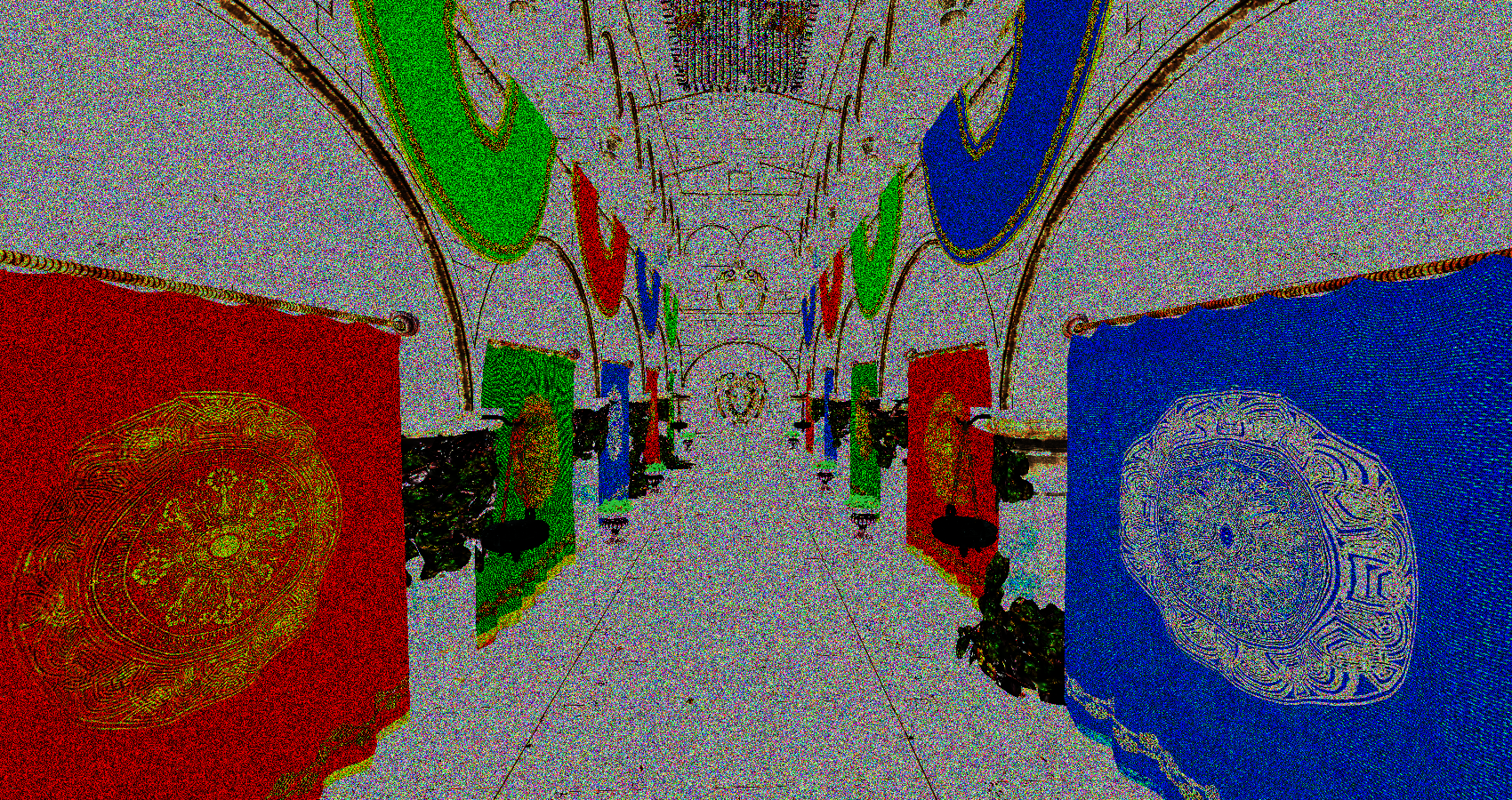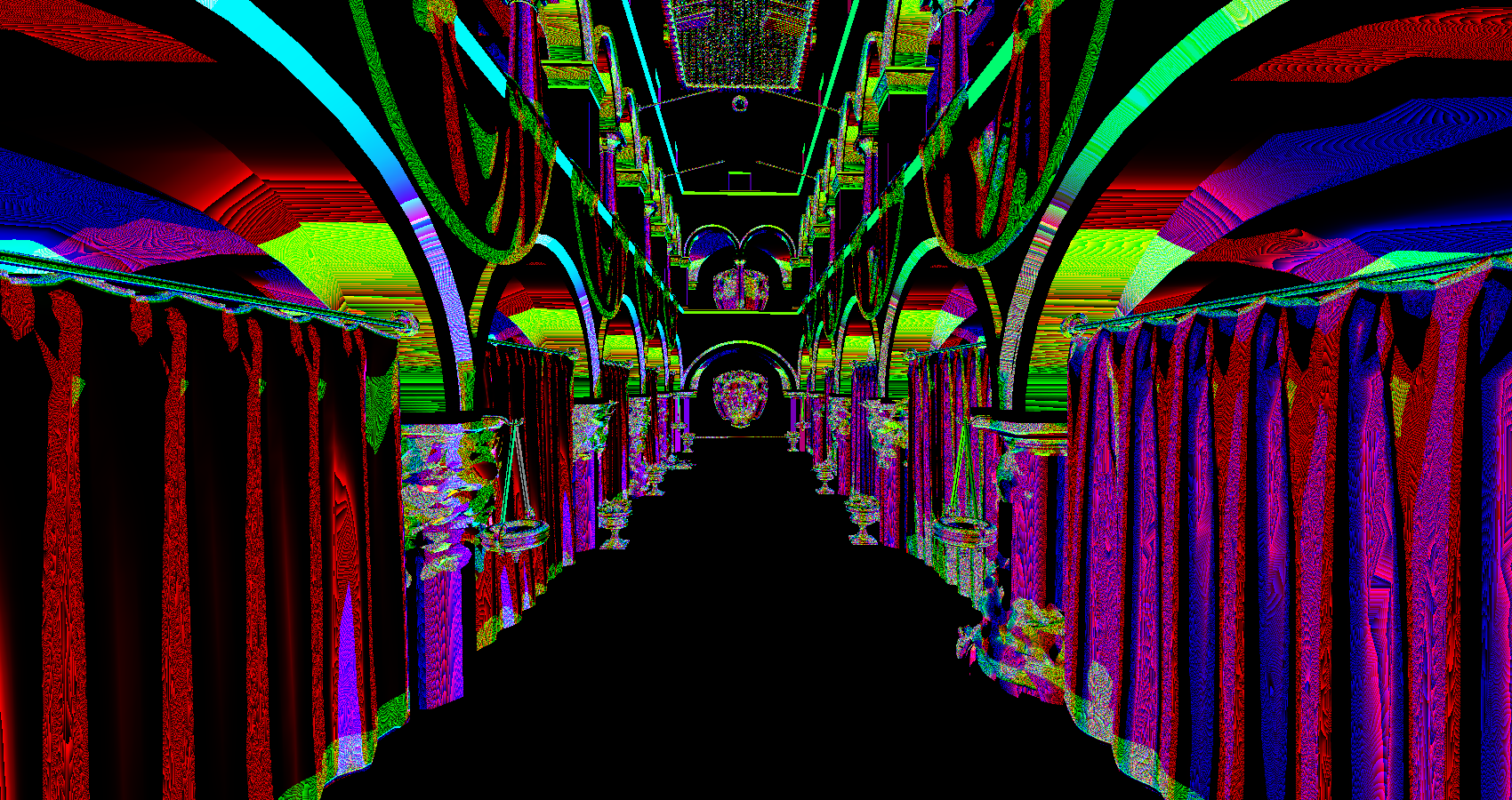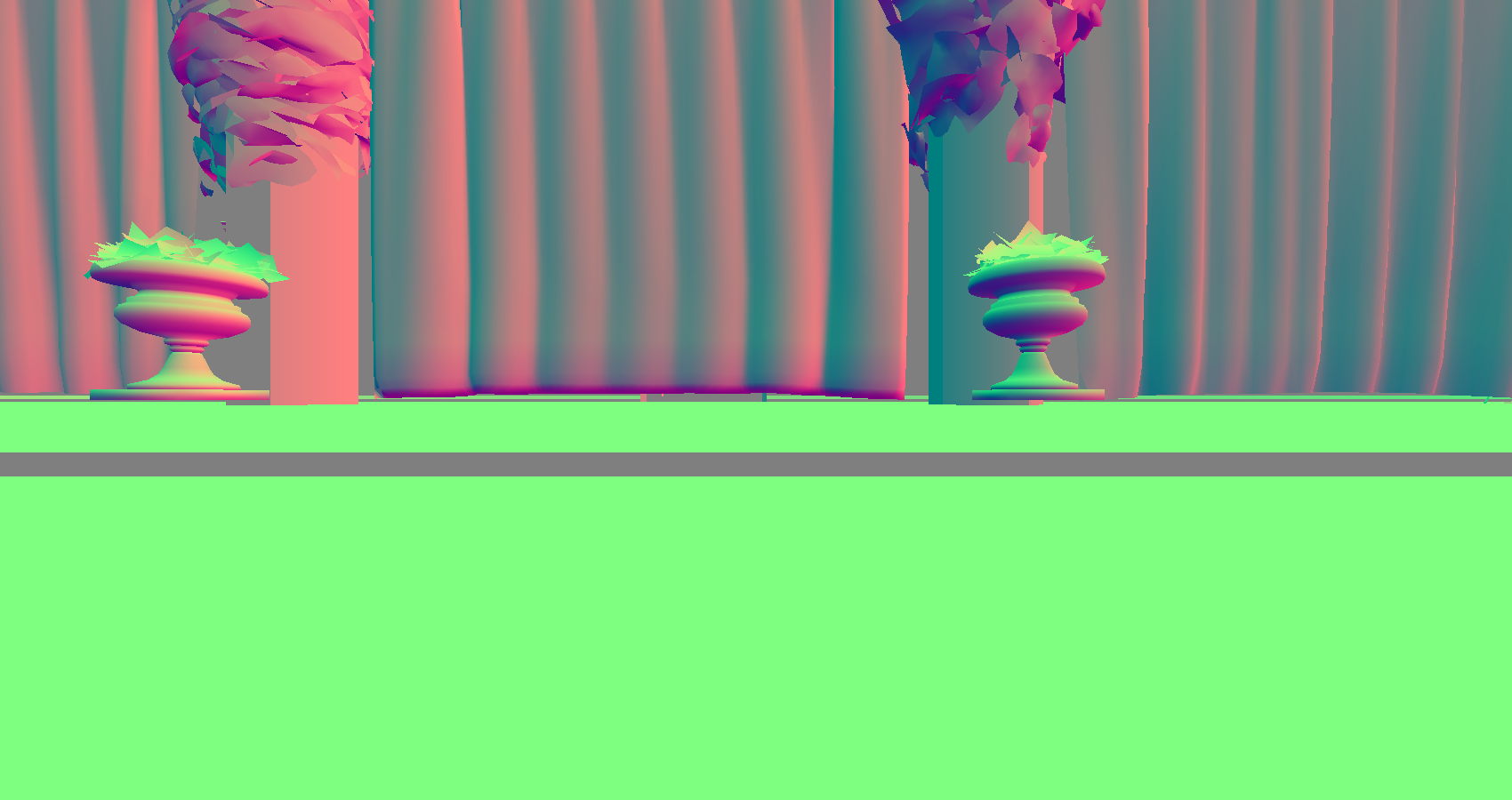
The worst part of it all is if I didn't waste any time trying to visualize my buffers, it would have worked out fine in the resolve step!
(###) **Deferred Rendering**
The rest of deferred rendering was fairly easy. Compute shaders are remarkably simple and after not too long, deferred rendering was set up! The main blocker preventing me from making other progress on my game engine is finally complete. I have BIG plans for my game engine. The immediate step to tackle everyone's favorite anti-aliasing technique: Temporal Anti-Aliasing (/s). The smudginess of games these days is not something I have overlooked, and I far prefer times when games didn't look so smudgy due to temporal instability.
At the time of writing, I've implemented motion vectors and jittering. Neither were significantly difficult to implement, but I still think it's neat! It's a little hard to demonstrate jitter (trust me it's there), but the image below is a screenshot of the free camera moving downwards through the world, basically causing the whole scene to light up green because it's moving upwards relative to the camera.
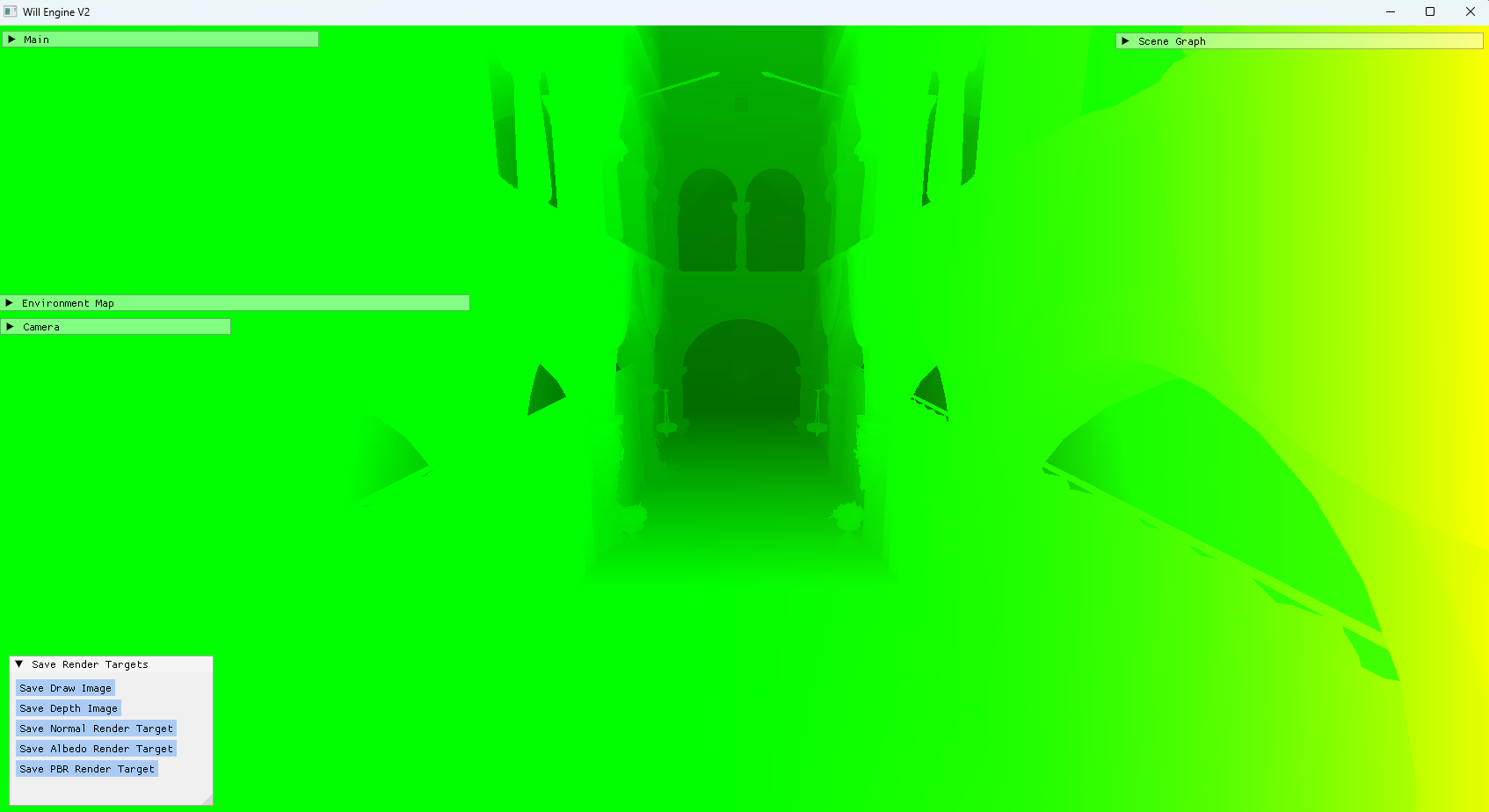
However, jitter has very clearly highlighted the need for both mipmapping (I know, I just put it off all this time :s) and anti-aliasing in this engine. The whole scene shimmers like diamonds; it's frankly disgusting. Lots to do, so little time!
(###) **Music**
[Dawes - All Your Favorite Bands](https://open.spotify.com/album/4lv4CsM3M3t0KwmqCadtFK?si=L-EiwrUhTQq1PbwZ7a2HfA)
[Dawes - Oh Brother](https://open.spotify.com/album/7ozwkrV2oc26STev2UHPWK?si=Y4-iNl8cTzKfRsi1QQO0Bg)
[En Attendant Ana - Principia](https://open.spotify.com/album/3AH27ovAFMovCNs5w7WljD?si=oPN2HSj9TySVABgCMRWVvQ)
[Dina Ogon - Oas](https://open.spotify.com/album/4bLJmyoH2k2IQGDas2hd0c?si=Ix8jfpP2QlaejKBmTgrWuw)
[bar italia - Tracey Denim](https://open.spotify.com/album/0Ihb9szHztEdXpHU7C40Qn?si=MsfZim_xQaCm75jSW8AzPw)
[Billy Nomates - CACTI](https://open.spotify.com/album/5yxbBuZfpB3yMoUQqdwOjz?si=fT49BhJHQmWJCHEwvBEk0A)
Please feel free to contact me!
Email: twtw40@gmail.com
And yes, I've been playing Factorio Space Age.