**[Will's Journal](../index.html)**
(#) **2024/12/17: Temporal Antialiasing : Part 1**
Temporal Antialiasing, I hate(d) it, I (still) need it, and now it has finally been done*. Temporal antialiasing isn't super complicated, right? Just borrow the concept of Supersampling antialiasing (SSAA) - one of the oldest and most straightforward approaches to anti-aliasing, but instead of extra samples per pixel on the same frame, the samples are done over multiple frames. What could possibly go wrong?
- Motion causes ghosting artifacts as historical samples trail behind moving objects, creating visible afterimages.
- Camera movement can cause severe blurring as pixels accumulate history from entirely different objects and scene elements.
- Disocclusions occur when previously occluded areas become visible, leaving the shader with no valid history data to work with.
- High-frequency details and thin geometry shimmer, blur, or entirely disappear.
- Artifacts/distortion from my sub-par implementation of TAA.
There are a lot of examples out there of TAA implemented poorly. In many of these implementations, scenes can appear overly blurry, exhibit ghosting, and overall reduce the experience of the user. These artifacts are only furthered by the general industry trend of using AI-based image reconstruction, both for anti-aliasing and performace reasons (rendering at a lower resolution and upsampling with AI algorithms). Personally, I'm not the biggest fan of these AI techniques.
I also find that there is an over-reliance on screen-space graphics techniques in general. The incentive for them are good, performance is usually predictable because you operate on fixed screen dimensions. They are generally easier to implement in graphics pipelines because you typically only need access to G-buffer information. But, I'll be a little pretentious here and say I'd like to hold myself to a higher standard, with a few exceptions. They often have artifacts as you might expect; sometimes there is simply not enough information on the screen to adequately construct a fully informed final image.
If applied correctly, TAA can achieve high-quality anti-aliasing approaching SSAA's quality while maintaining good performance. It fits very nicely with the current standard of deferred rendering (G-Buffer) and it requires only one sample (of the history buffer) per frame! And the results are simply breathtaking.
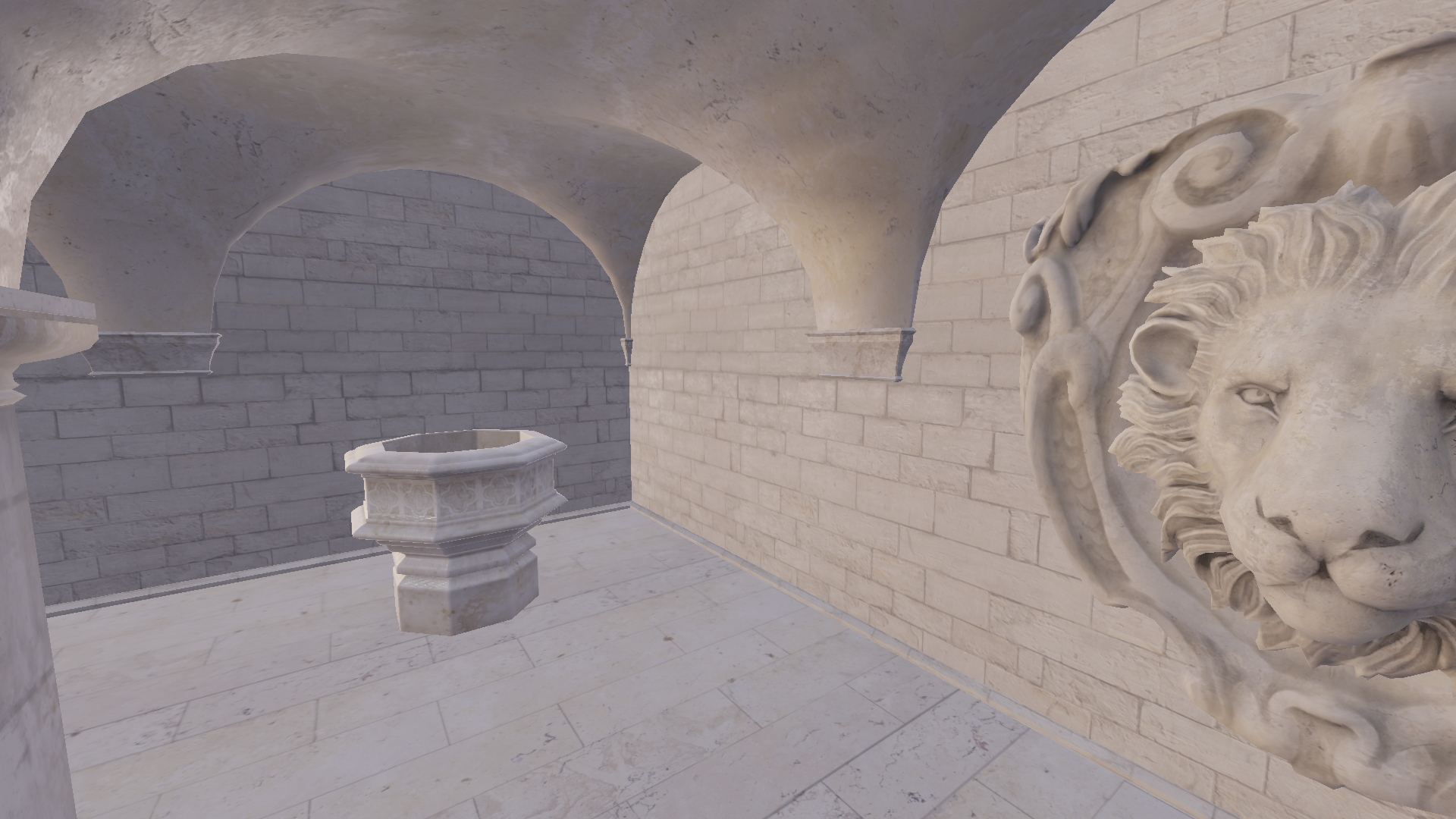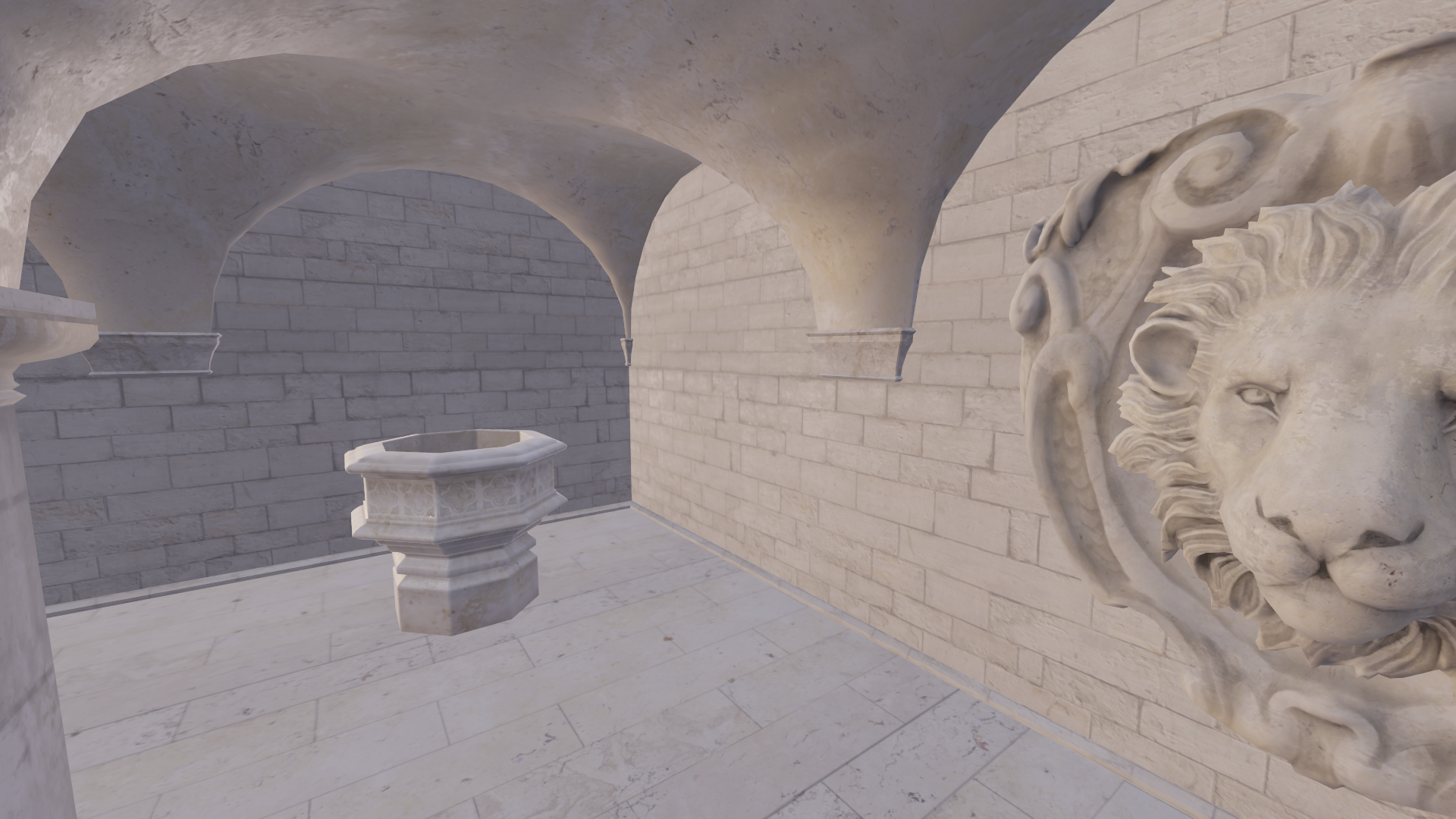
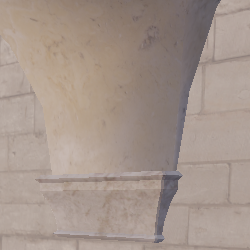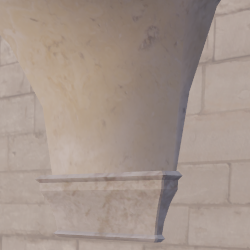
But the whole point is that this is an interactive graphics application: this needs to look good in movement too. And I have been wrestling with TAA for the past month trying to figure it out. I have a velocity buffer that I'm pretty sure is correct, I account for the velocity change in my TAA shader, but movement is always fairly inconsistent. This torments me, and I dread having to open up my code, knowing that I am simply incapable of figuring out how to fix TAA in movement.
I have implemented variance clipping, and it has for the most part eliminated ghosting from my image! I then experimented with depth/velocity/mixed weights to try to get the image to look exactly as it should in movement, but couldn't come up with anything good enough.
This will require more work and maybe more exploration into what other people are doing to solve their TAA woes. I've particularly heard about presentations/papers from Marco Salvi, Playdead's TAA implementation, and Unreal Engine's TAA implementation. But to help with my sanity, I'm going to pause work on TAA and focus on other parts of the game engine for now.
P.S. I ended up solving this and didn't end up writing a part 2, turns out the issues were primarily caused by me using a nearest sampler instead of linear. How silly.